Link or upload the game
Paste a YouTube link, or upload the file straight from your camera or phone. Uploads stream back to every device, so nobody is downloading a full-game file.
ClipItCoach is online sports video analysis and team coaching software. Clip any game, make the moment clear with tracking and drawing tools, then share it with your players — on desktop or on their own phones.
Free plan, no card requiredOne subscription covers the teamNothing to install
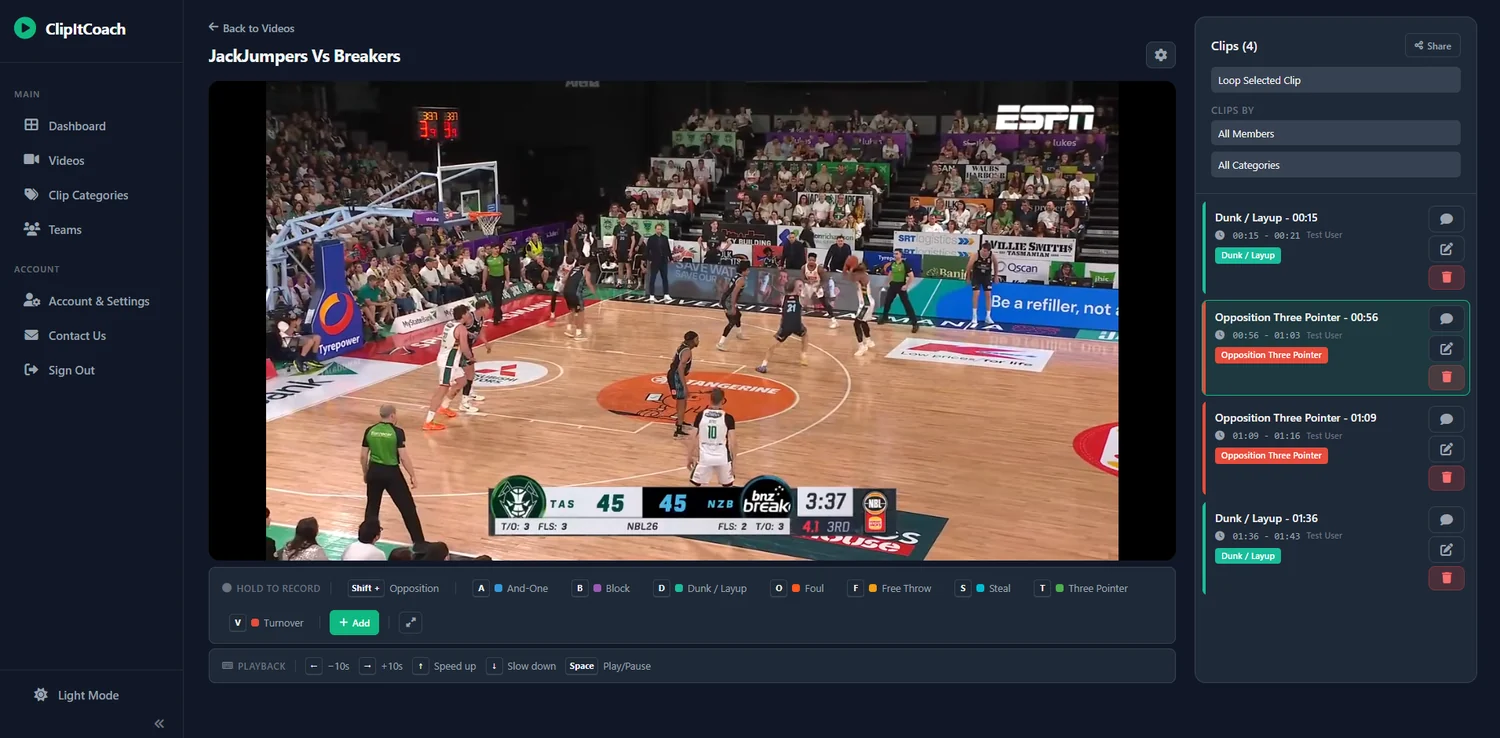
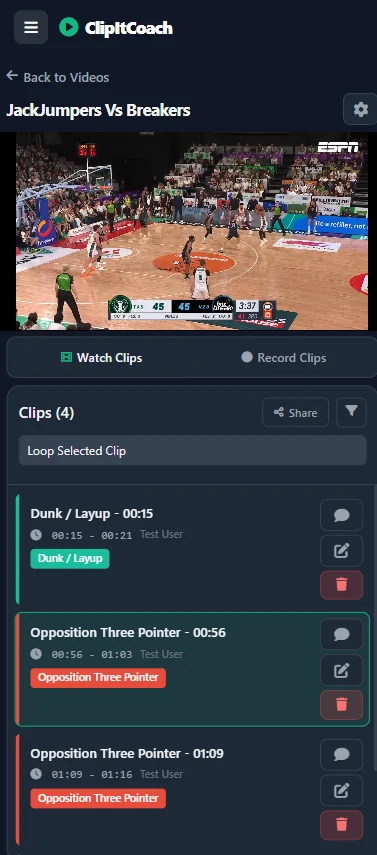
Three steps from a full-game recording to feedback your players have actually seen.
Paste a YouTube link, or upload the file straight from your camera or phone. Uploads stream back to every device, so nobody is downloading a full-game file.
Create tagged clips with titles and coaching notes. Draw on the frame, track a player through the phase, and build the picture you want the team to see.
Publish clips to your team, send a single clip by link, or export a highlight video. Players watch, comment and reply when it suits them.
From following a player to drawing the next move, make your feedback part of the footage.
AI player tracking follows players through the phase and draws the connections between them, so individual movement and team shape read at the same time. Tracking runs on our GPUs and tells you when the clip is ready.
AI player tracking · Coach plan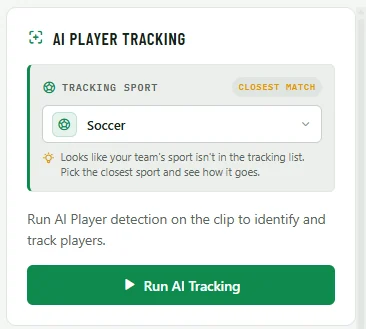
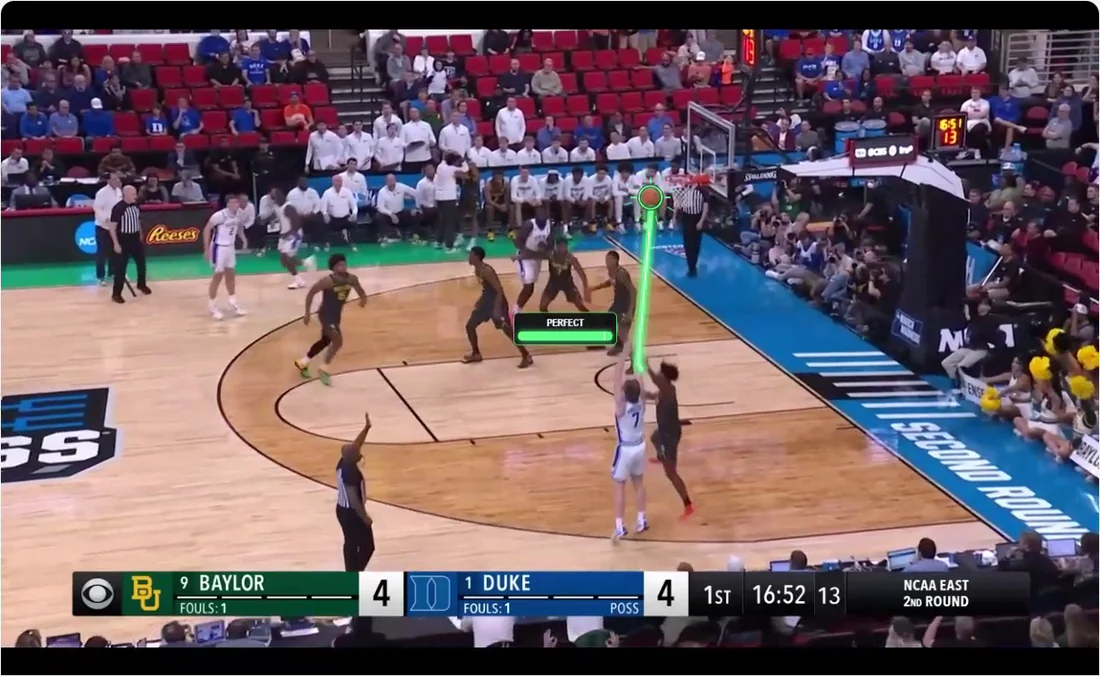
Ball tracking traces the ball’s path, so the pass, the delivery or the shot stays easy to follow even on a phone screen.
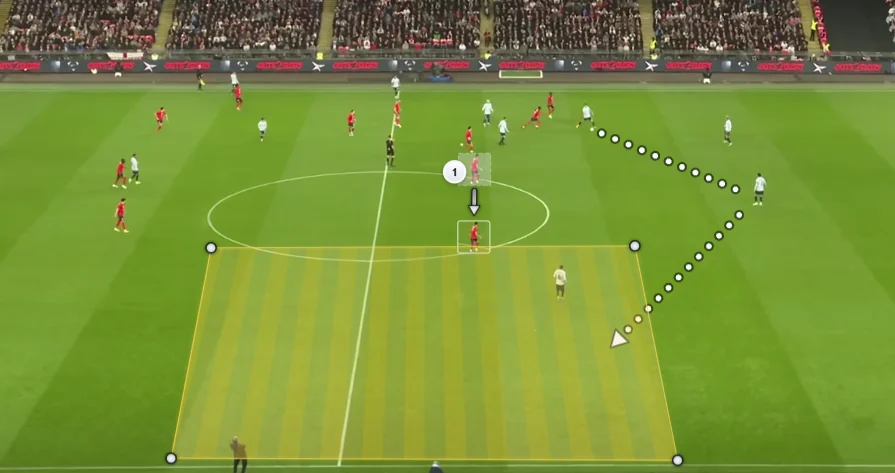
Arrows, movement paths, zones and freehand marks explain the option that was on — not only the one that was taken.
Stack team shape, player highlights and coaching notes as separate layers, then bring them in one at a time so the point lands in order.
Multi-layer telestration · Coach plan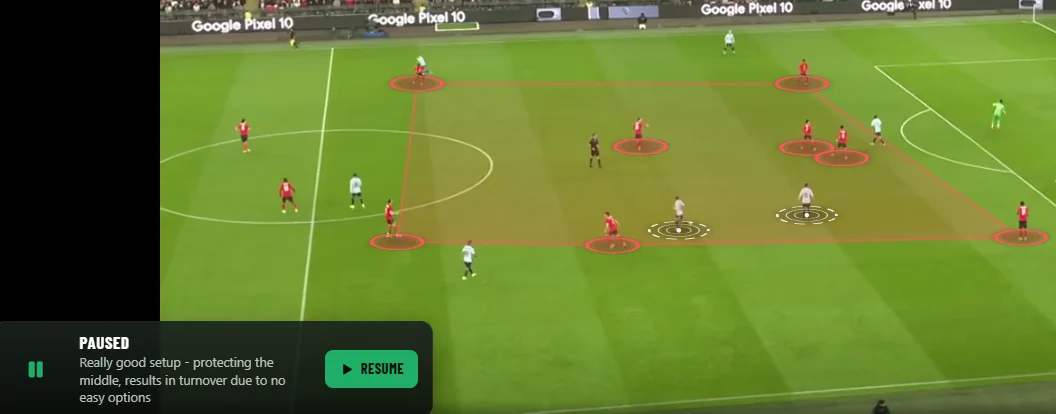
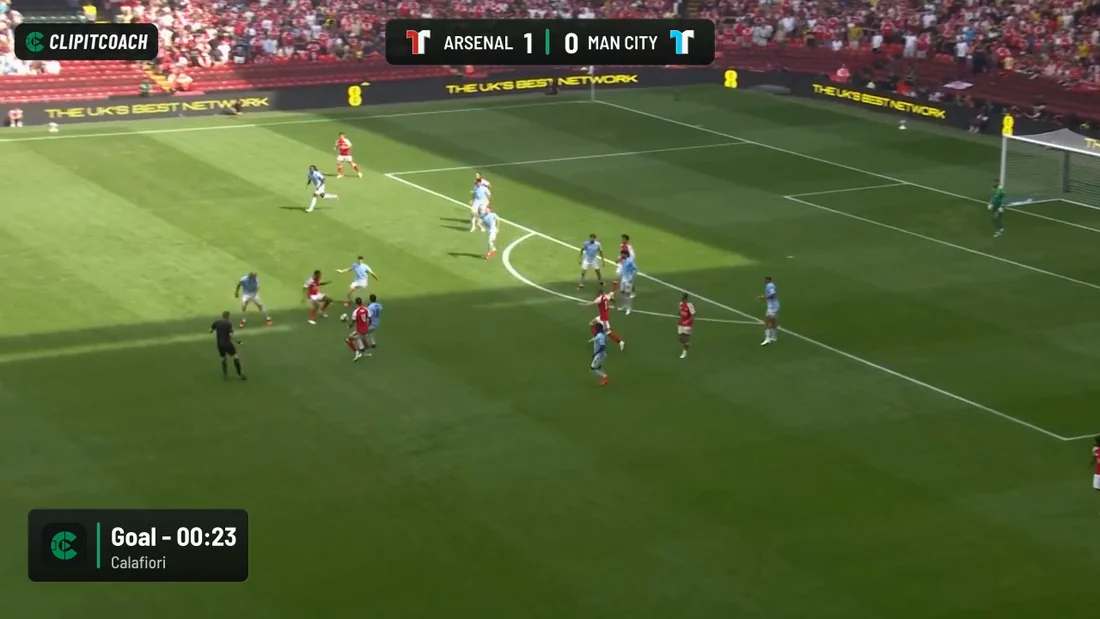
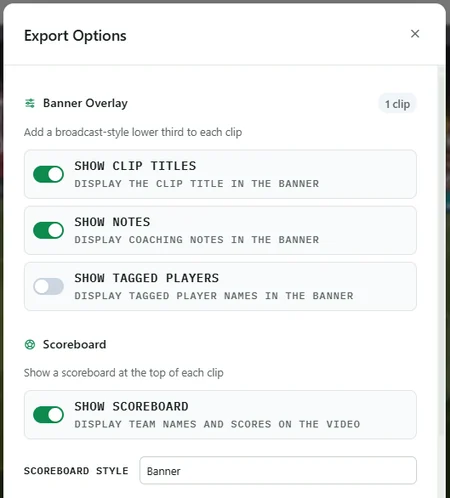
Export your key moments as a finished video with player highlights, drawing overlays, clip titles, coaching notes and a scoreboard burned in.
Clip & highlight export · Coach plan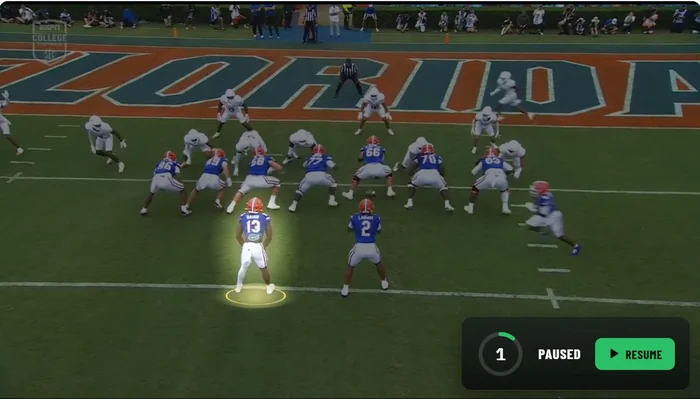
Analysis only helps if the players see it. Everything here exists to get the clip in front of them.
Invite players, assistant coaches, parents and supporters into the same team. One subscription covers all of them — there are no per-player seats to buy.
On every planComments sit with the moment they are about, so a question about a decision gets answered against the footage instead of in a group chat.
On every planChoose per video who sees which clips: only you, everyone sees everything, or each viewer sees just the clips they created. Coaches always see them all.
On every planSend one moment by link to a player, a parent or a selector without giving them access to the rest of the game or the team.
On every planThe same film room in any browser — a laptop at the club, or a phone on the bus home. Native Android and iOS apps are in progress.
On every planSend an uploaded video to a Chromecast for team review night and keep driving playback from your phone or laptop.
Coach planThe same roster that reviews the footage runs the fixtures, the lineups and the conversation.
Post games and trainings and let players mark themselves in or out, so you know who you have before you pick the side.
On every planSave the starting side and the subs for each game, and keep a record of playing time across the season.
On every planOne thread for the team, with the option to attach a team video so a message can point straight at the footage.
On every planIn-app and push notifications tell players when a new clip, message or event lands, so review does not wait for the next training.
On every planClipping, sharing and the team tools are free. Coach adds uploads and the analysis toolkit.
| Feature | Free | Coach |
|---|---|---|
| Videos | One linked YouTube video | Unlimited, plus direct uploads |
| Clips, tags & coaching notes | Unlimited | Unlimited |
| Team sharing, comments & schedule | Included | Included |
| Drawing & telestration | Not included | Included |
| AI player & ball tracking | Not included | Included |
| Clip & highlight export | Not included | Included |
| Price | US$0 | US$19.99 per team / month |
No. ClipItCoach works with the footage you already have. Link a video from YouTube, or upload a file recorded on a phone, a handycam or a fixed camera.
No. ClipItCoach runs in a browser on desktop and mobile, so players can open clips on their own devices without a desktop installation.
You can clip and review footage from any sport. AI player and ball tracking capabilities vary by sport and by the footage you provide — wider, steadier angles track best.
Clipping, tagging, team sharing, comments, the team schedule and team chat are on every plan. Direct uploads, drawing tools, AI player and ball tracking, and clip and highlight exporting are Coach features.
Yes. Each video carries a clip visibility setting, from uploader-only through to everyone seeing every clip, with an option that lets each viewer see only the clips they created.
Yes. The live demo opens a real video in the player so you can try drawing, tracking and clipping without an account.
Start on the free plan with a linked video and up to 100 members, then upgrade when you want uploads, tracking and exports.
No card requiredCancel anytime