How to use ClipItCoach
Short, step-by-step guides with screenshots from the app. Start with your team and your first game, then work through clipping, sharing and exporting.
-
 1
1
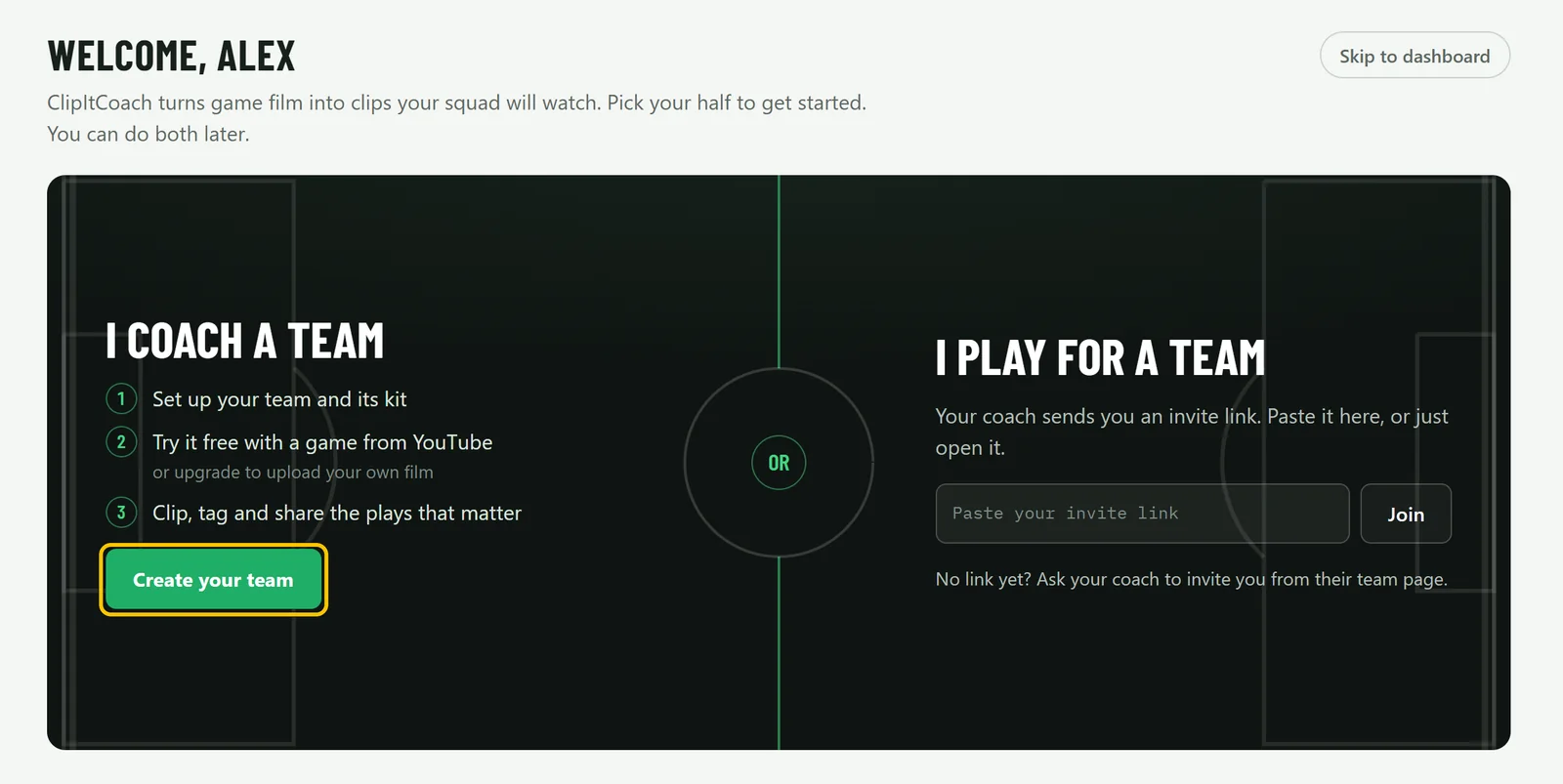
Set up your team and invite your players
Create the team, choose your kit and bring in players, coaches and parents with one link.
-
 2
2
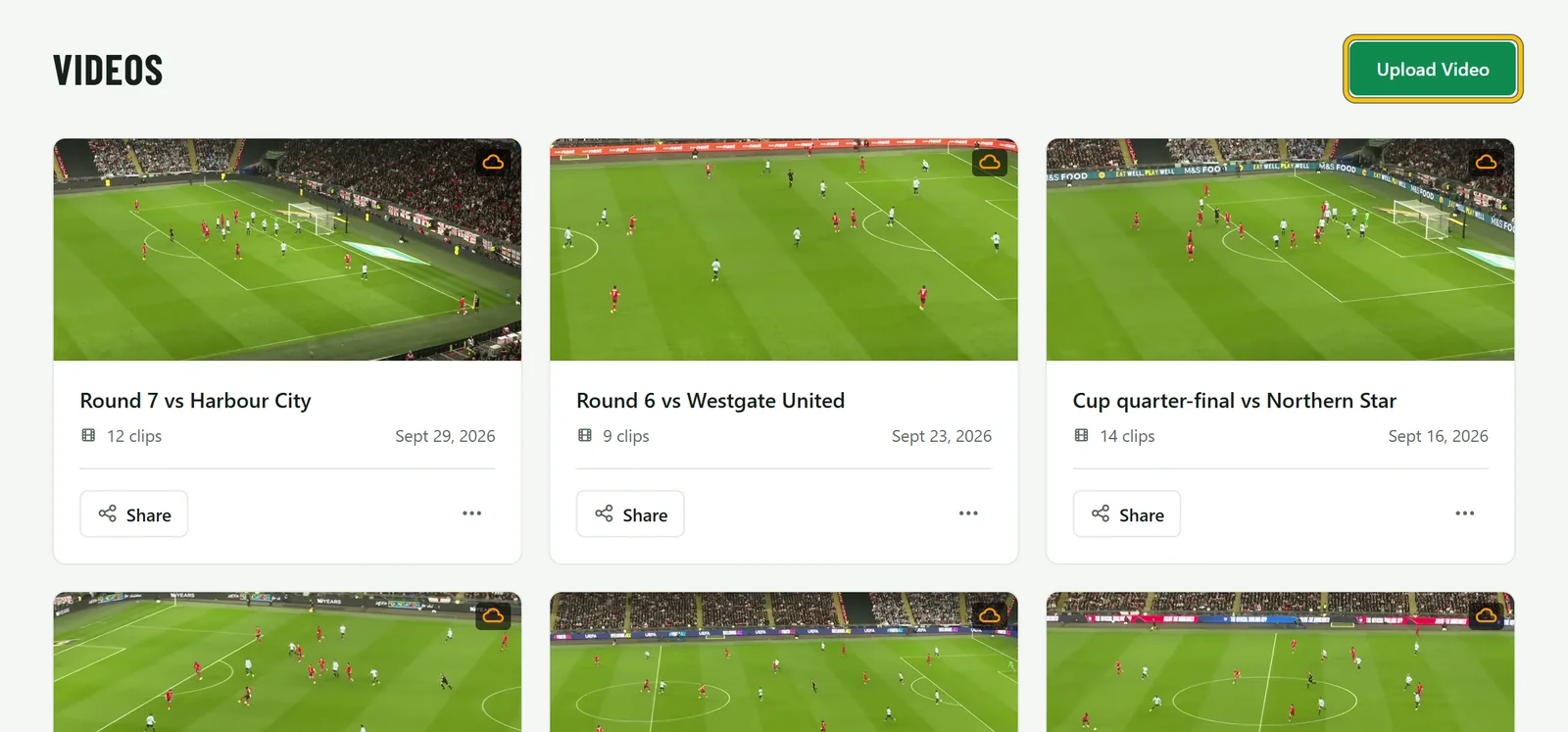
Upload a match
Add a game from a file or YouTube, keep it to the coaches while you clip, then release it.
-
 3
3
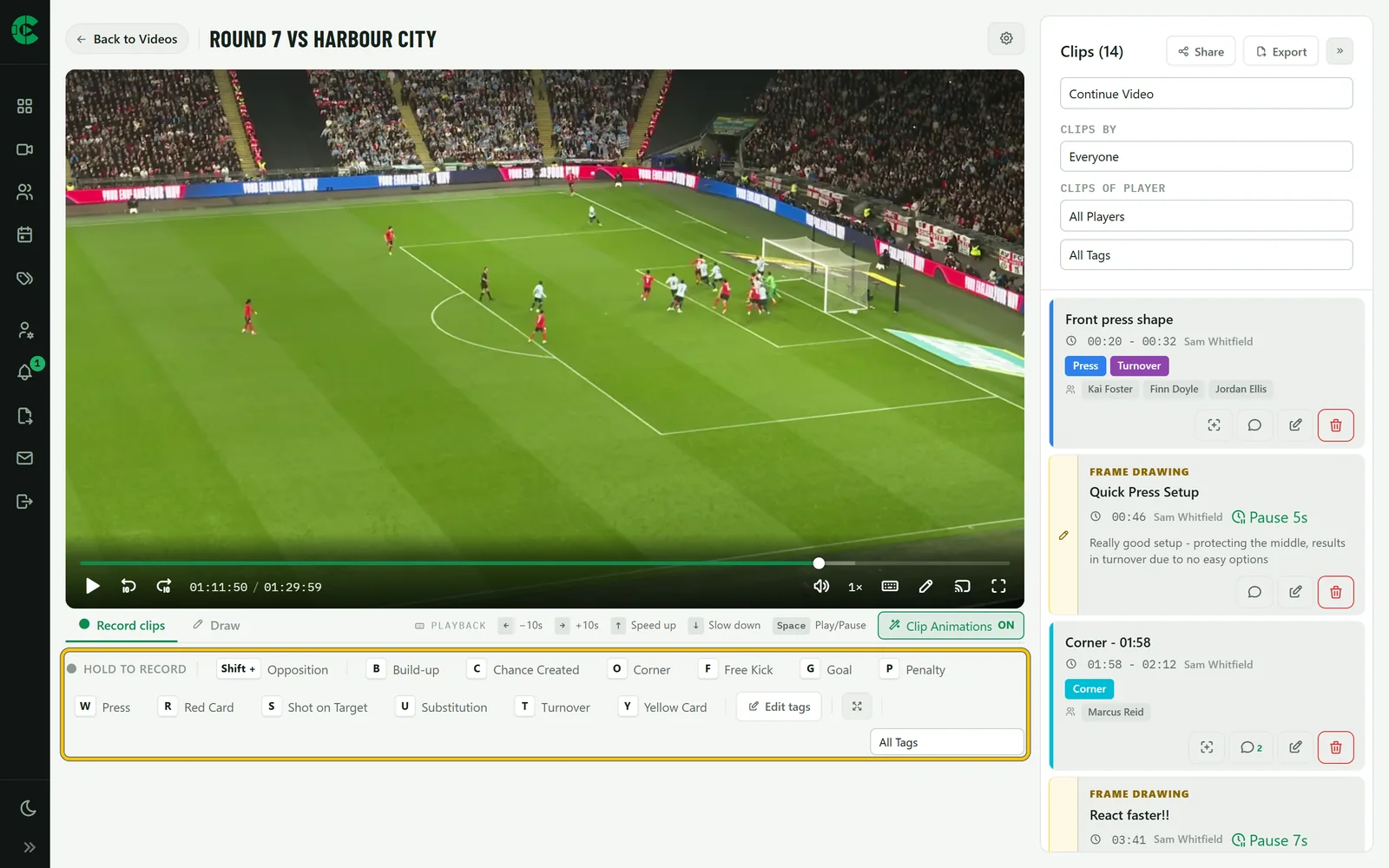
Clip a game with tags
Record clips with a key per tag, add notes, and build tags for how your team plays.
-
 4
4
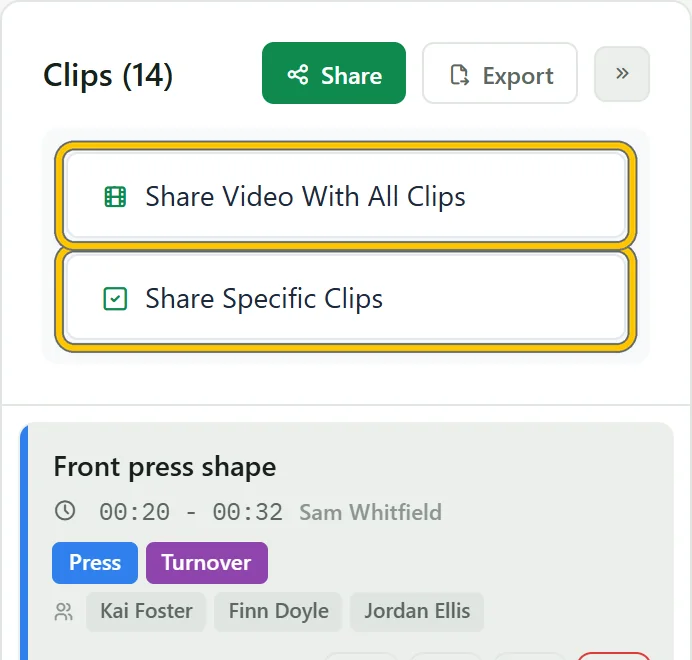
Share clips with your players
Send clips to the team, a group or one player with a note, and talk them through in the comments.
-
 5
5
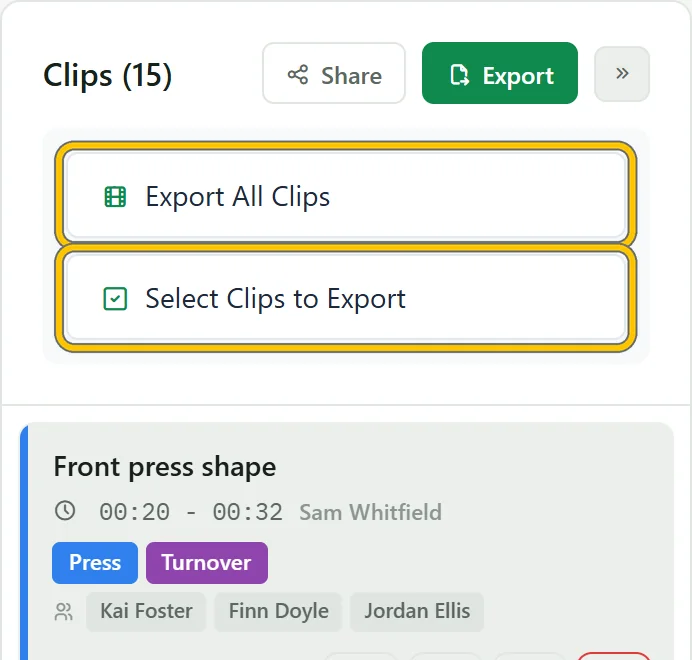
Export highlights as a video
Turn clips into one video with titles, notes and a scoreboard, then download it.
-
 6
6
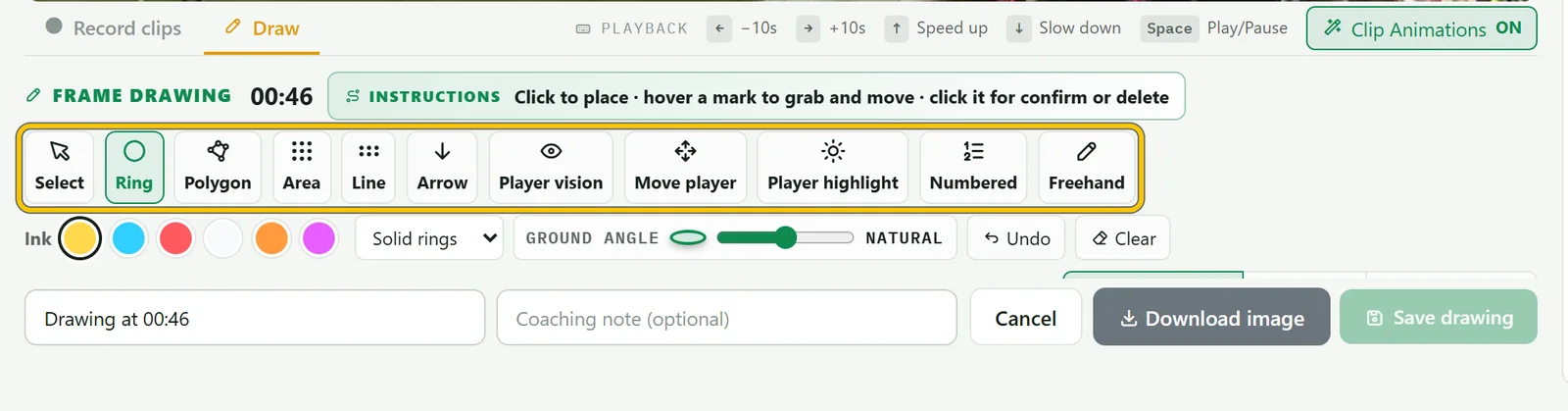
Draw on the play and track players
Mark up a moment, save it with a note, and run AI tracking to animate the players.
-
 7
7
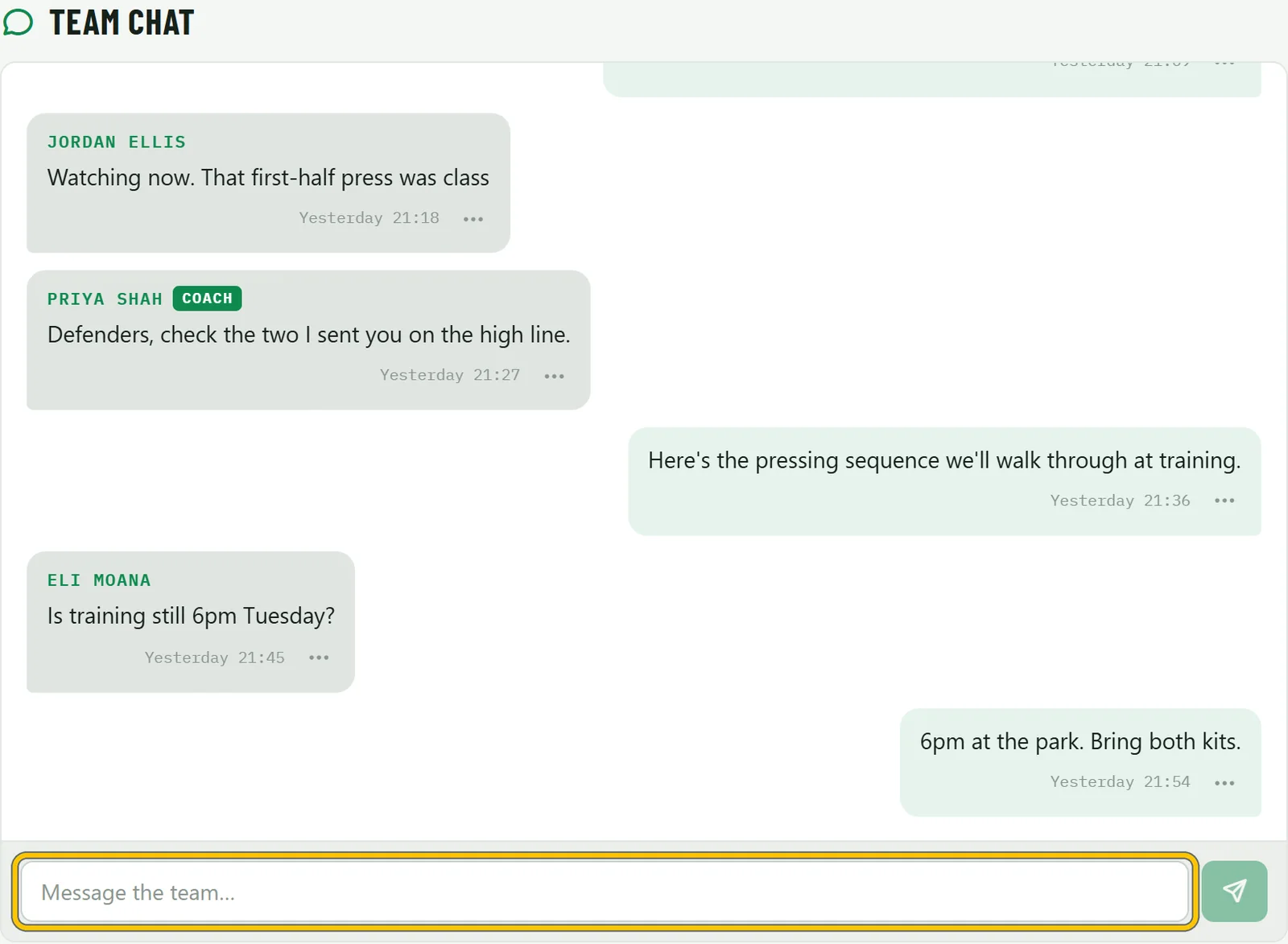
Team chat and the schedule
Post to the squad, add fixtures, collect RSVPs and plan your lineup.
Stuck on something?
Email [email protected] or use Contact Us in the app, and we’ll help you out. You can also try everything in the live demo without an account.
Try it on your
next game
Start free with one team and a YouTube link, or open the live demo and clip a game without signing up.
Free plan, no card requiredOne subscription covers the team