Coaching Doesn’t Stop When
The Game Ends.

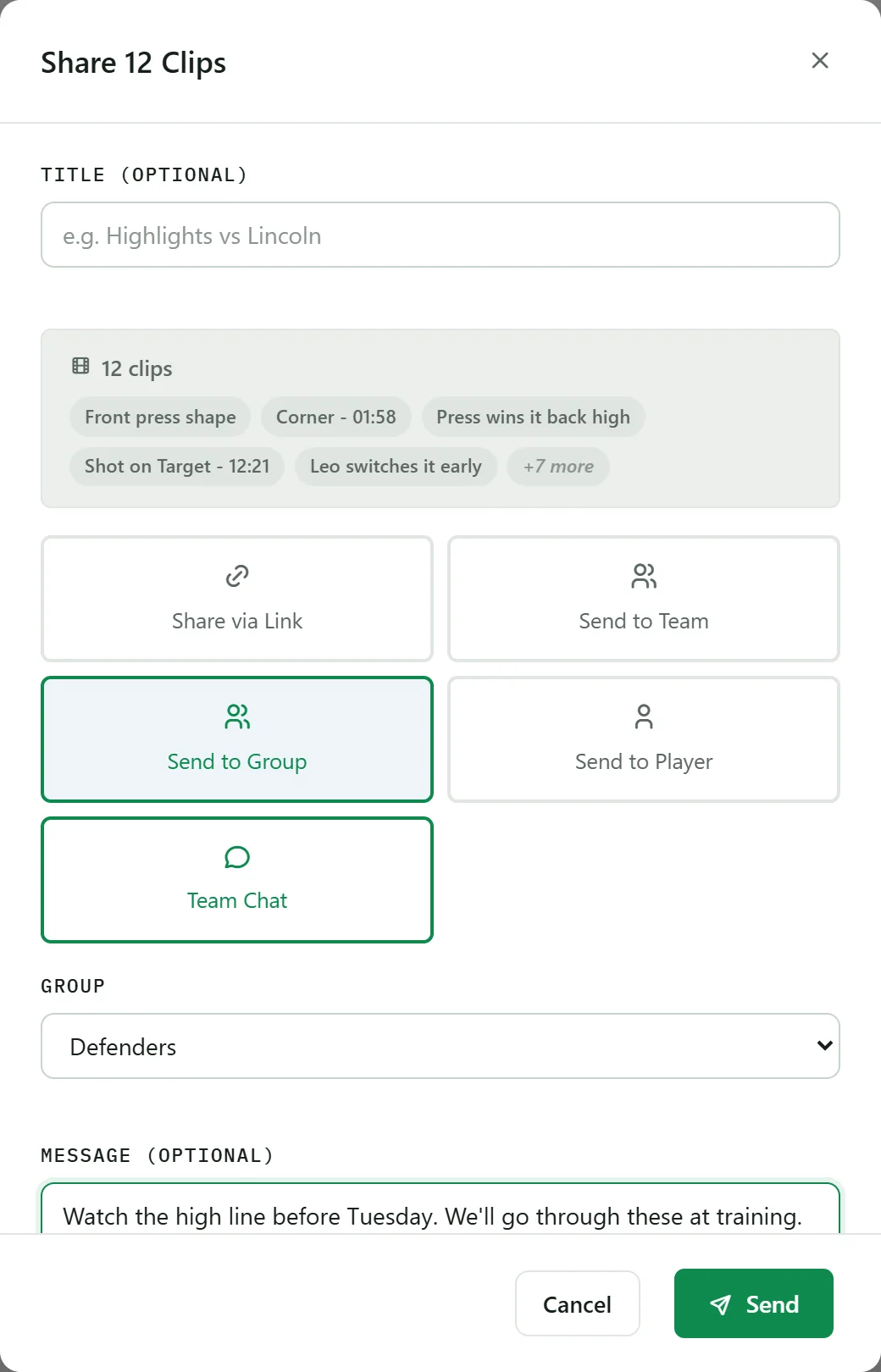
Share clips, discuss moments, and keep your entire team learning between sessions. ClipItCoach turns game footage into an ongoing coaching conversation.

Most video analysis tools help coaches create clips. ClipItCoach helps teams learn from them.

Works with YouTube links or your own uploads. Free plan, no card required.

Click a clip to jump to the moment
Coaches & players review together
Feedback players can revisit anytime
Review from any device
Share clips with a single link

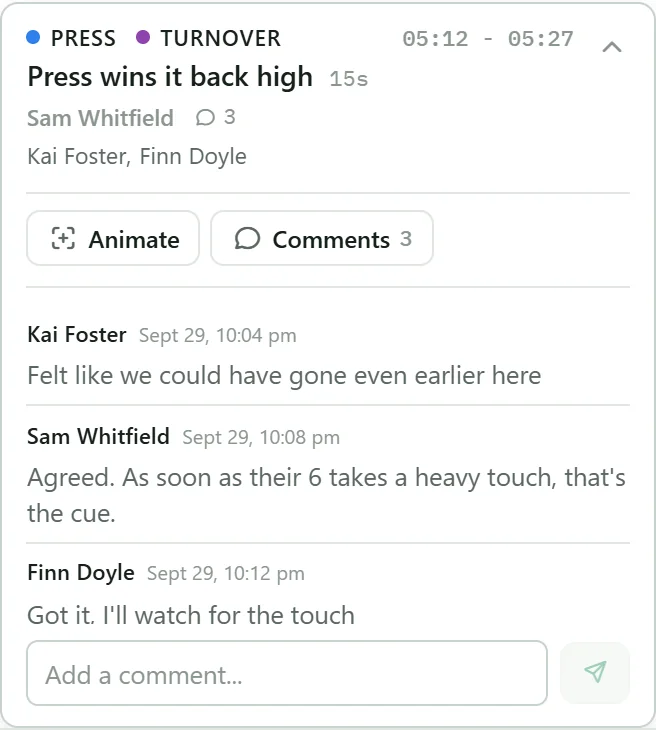
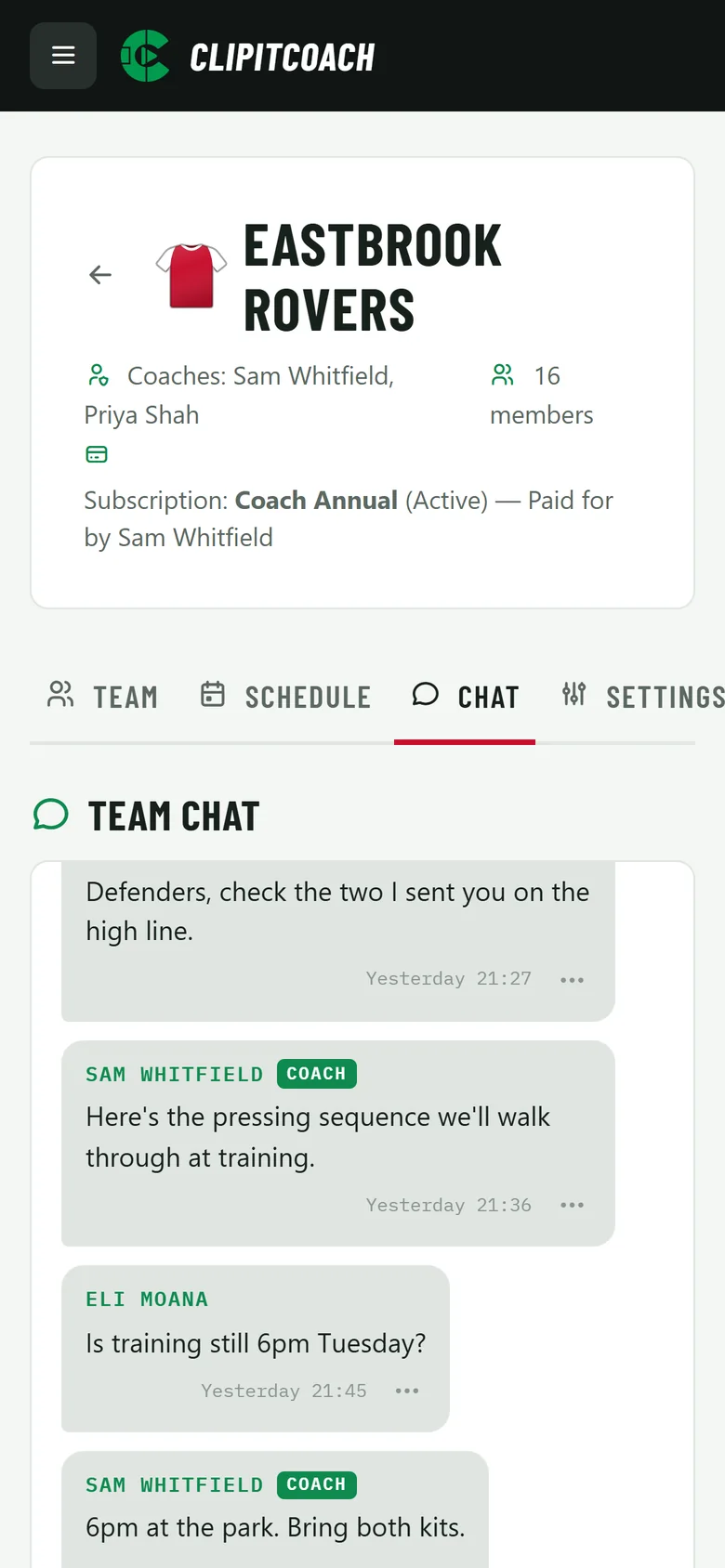
Everyone contributes to the review

Coaches clip moments, players revisit them, teammates add their perspective. Everyone learns from the same piece of footage.

Players see what you saw

Show players the exact moment. Add coaching notes directly to the clip. Let them revisit feedback anytime from their phone. No more trying to remember what was said after training.

Keep coaching between sessions

Training ends. Learning doesn’t. Players can revisit clips, review feedback, and keep improving whenever they’re ready — not just during the hour you have together.

This Is What You Actually Use

Not mockups — the real app, on desktop and mobile.

Dashboard

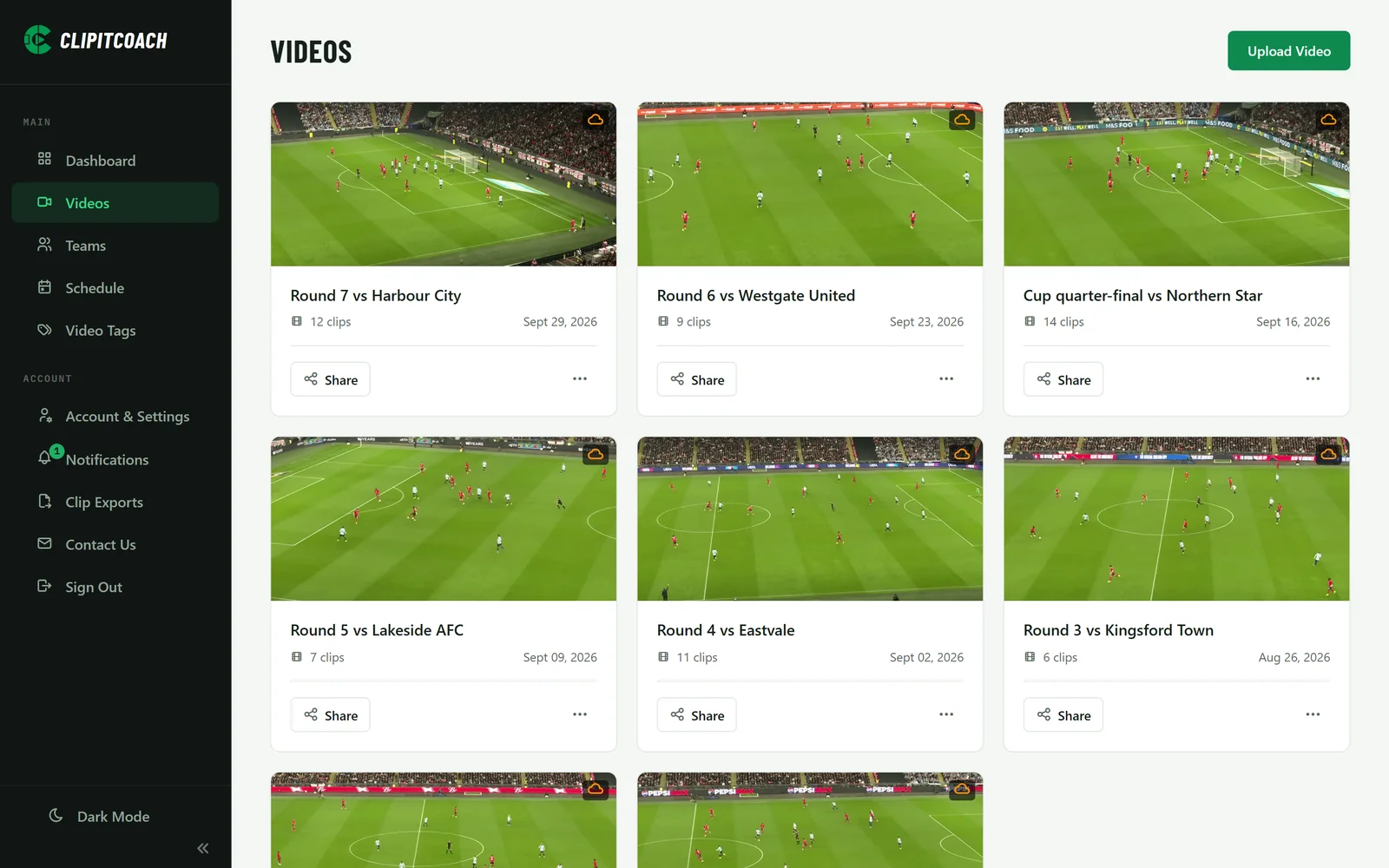
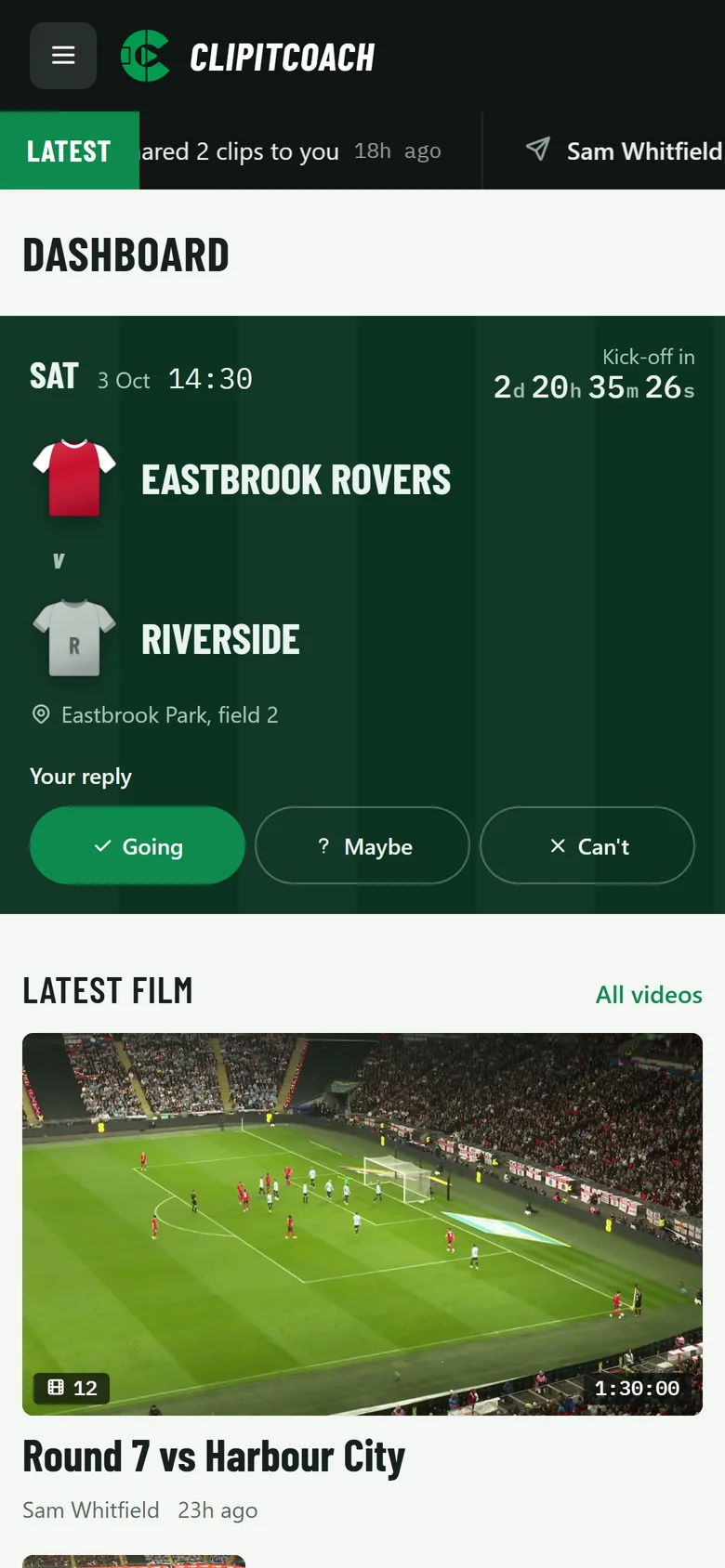
One place for every team, video, and clip

See what's happening across your teams at a glance. Jump straight into a video, manage your categories, or check recent team activity — including clips other coaches and players just made.

  • Recent team activity feed
  • Quick stats for videos, clips, teams & categories
  • Light & dark mode
ClipItCoach dashboard showing recent team activity, videos, and team stats
Video Player

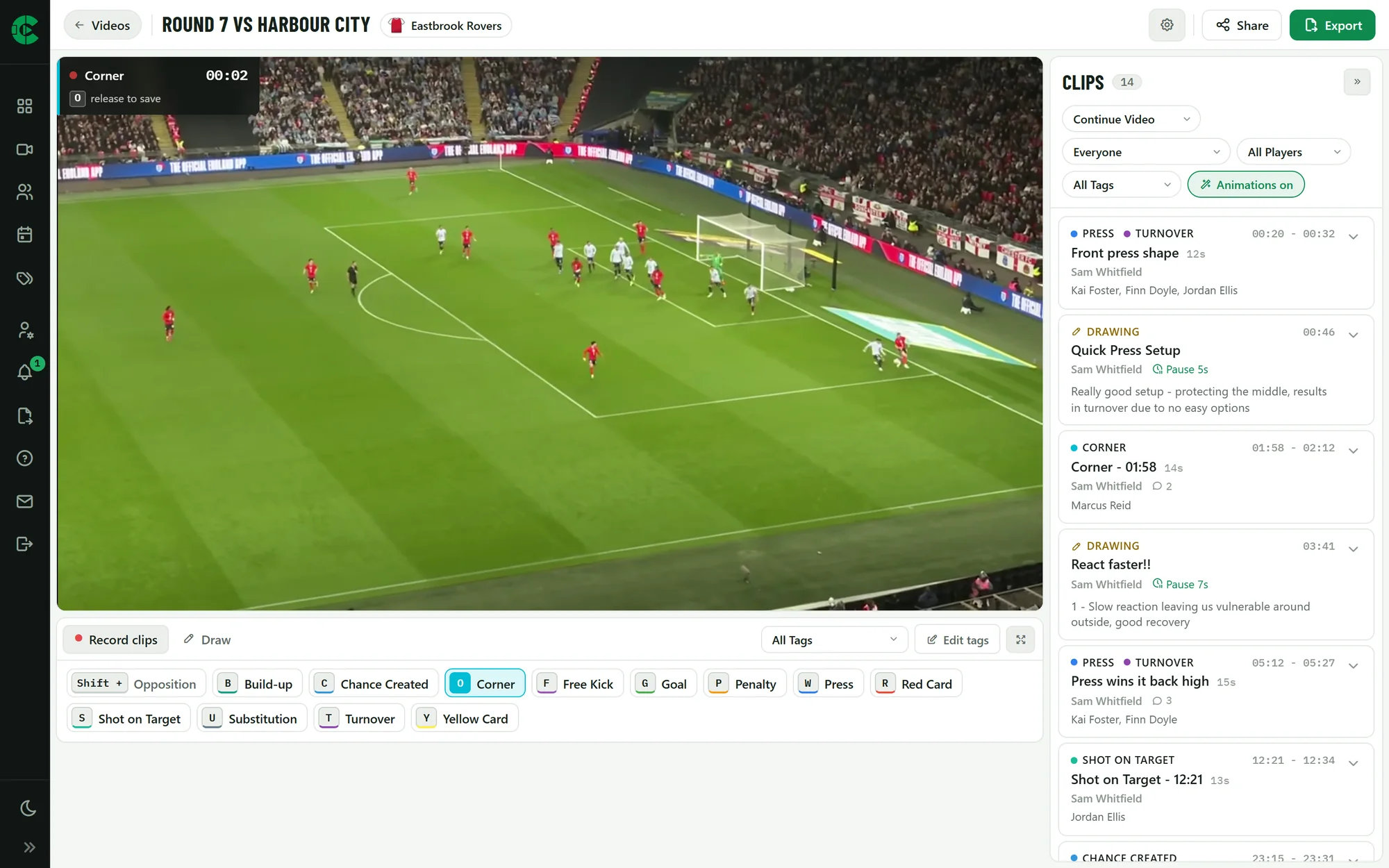
Clip live with hold-to-record shortcuts

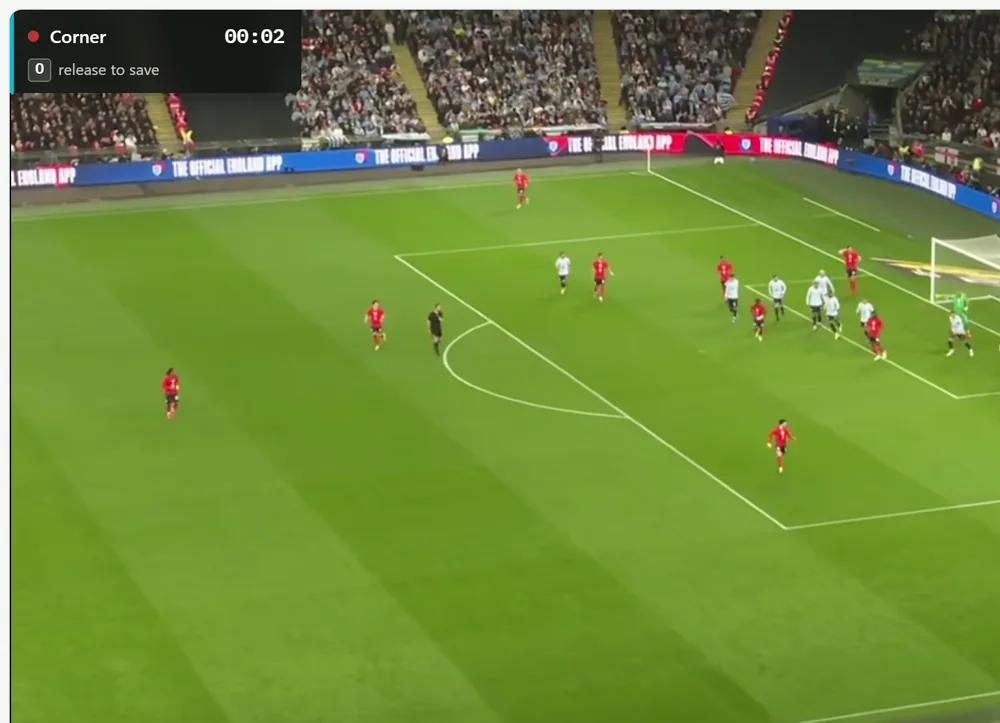
Each category gets its own key. Hold D for a dunk, hold Shift+a key for the opposition's version. Release the key and the clip is saved with the right tag, start time, and end time. Loop the selected clip to review it instantly.

  • Hold-to-record & manual clip modes
  • Multi-category clips (e.g. Dunk + And-One)
  • Filter by team member or category
  • Loop a clip, jump ±10s, change playback speed
ClipItCoach video player with category shortcut bar and clip list
Fully Mobile

Review on the bus, on the sideline, anywhere

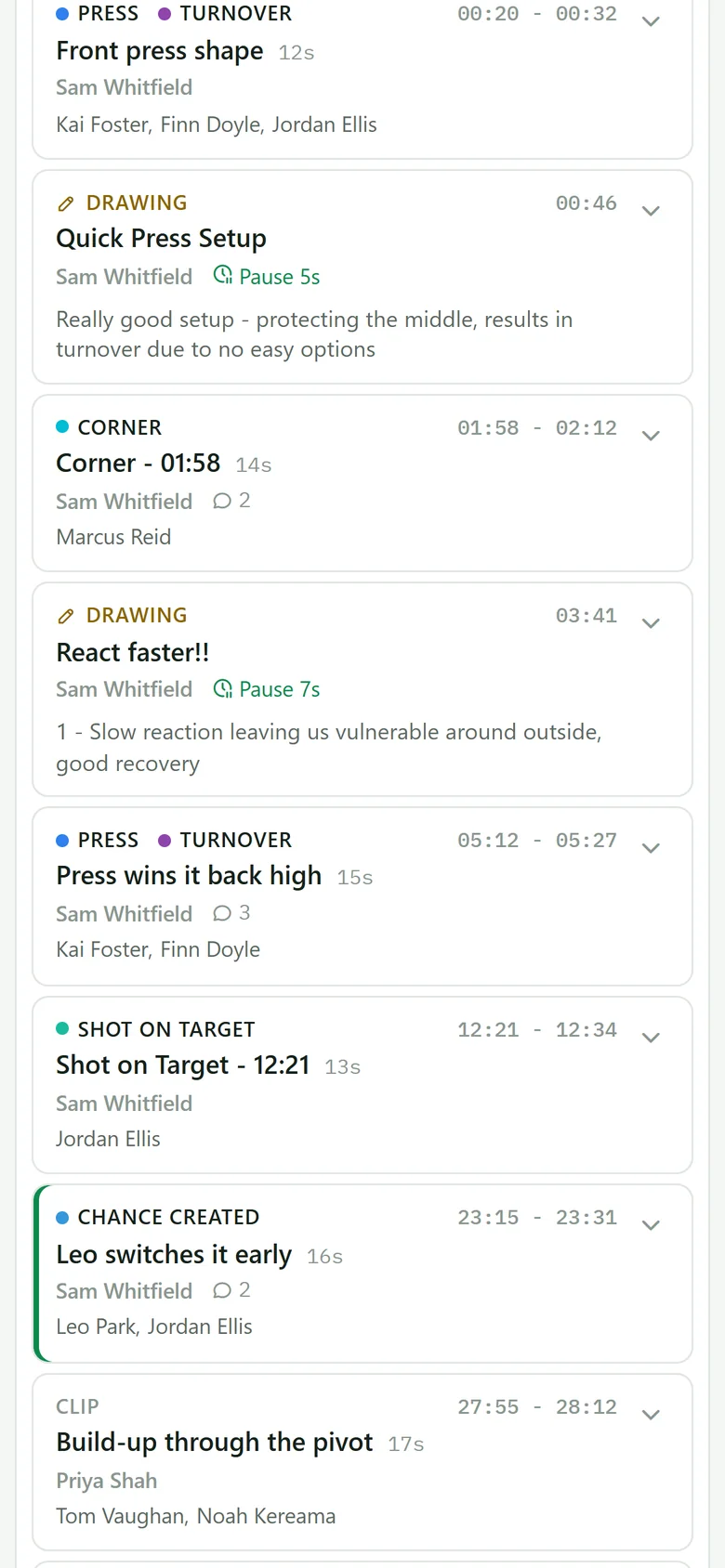
The whole app is built mobile-first. Players can pull up the clips you made at training, watch them between drills, and tap into the moments that apply to them.

  • Watch & record modes on mobile
  • Share clips with a link — no app install needed
  • Filter by category right from your phone
ClipItCoach mobile view showing clips and watch/record toggle

From Footage to Shared Understanding in 3 Steps

1

Clip the Moments That Matter

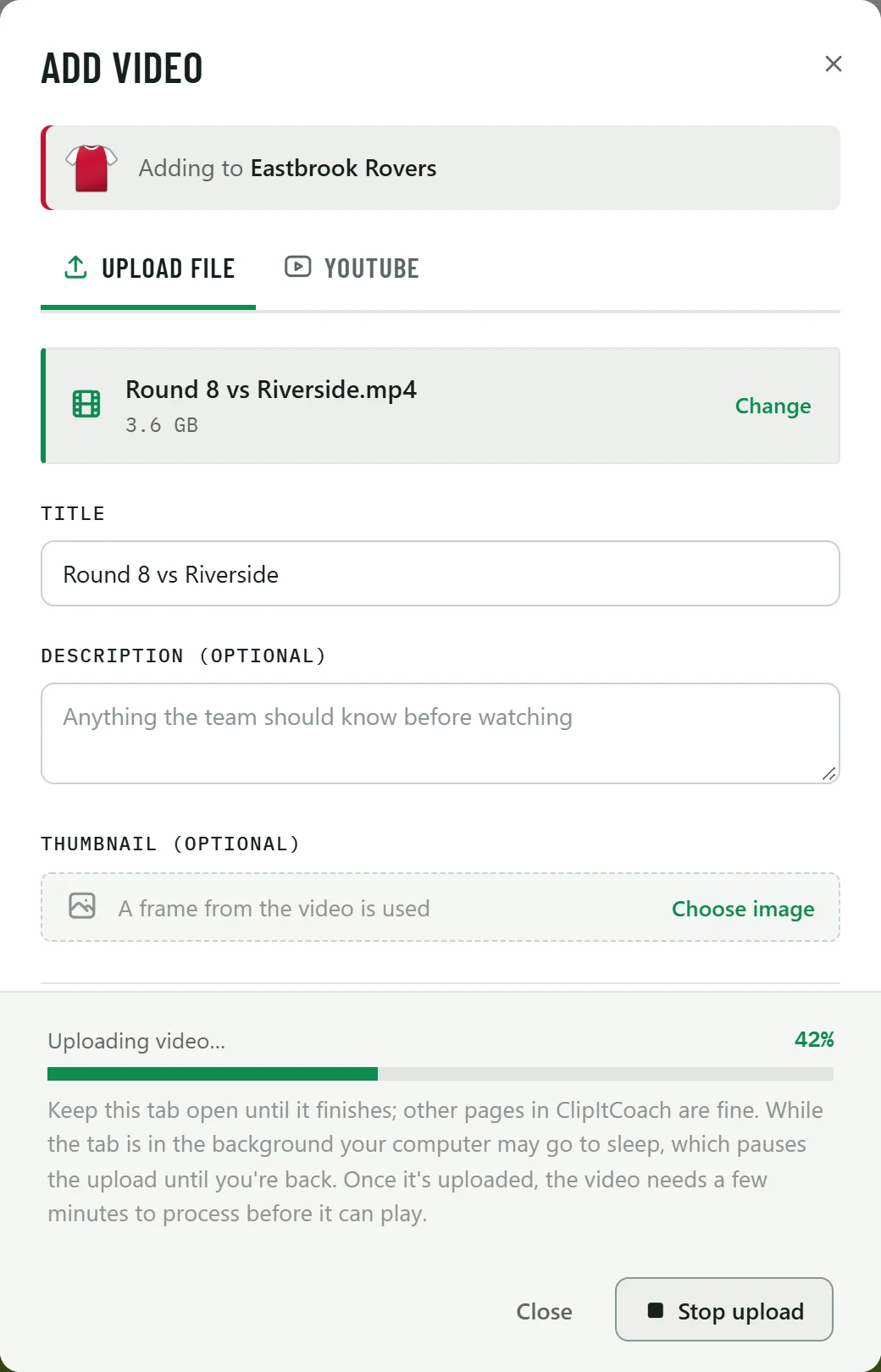
Upload a video or paste a YouTube link. Hold a shortcut key while a moment unfolds — the clip is captured instantly.

2

Share With Your Team

Invite coaches and players with a link. Everyone sees the same clips, categories, and coaching notes — from any device.

3

Learn & Improve Together

Players revisit feedback on their own time. The whole team builds shared understanding from the same footage.

Every Clip Becomes a Team Conversation

A coach spots a moment. A player reviews it later. A teammate adds insight. Everyone learns from the same piece of footage. That’s how improvement sticks.

Leave feedback players can revisit anytime

Add coaching notes directly to a clip. Players don’t just receive feedback — they understand it, because they can see the exact moment you’re talking about.

Build a shared review space for your team

Invite anyone with a link. Coaches, players, and assistants all see the same clips, the same categories, and the same notes — no app install needed.

Improvement happens between sessions

A coach only gets a few sessions per week. But players can review clips every day. That daily engagement is what turns a single observation into lasting improvement.

What We're Building Next

ClipItCoach ships regularly. Here's what's in flight right now.

In Progress

Native Android & iOS Apps

Dedicated apps so players can review clips, read coaching notes, and stay connected to the team from anywhere.

In Progress

Drawing & Telestration

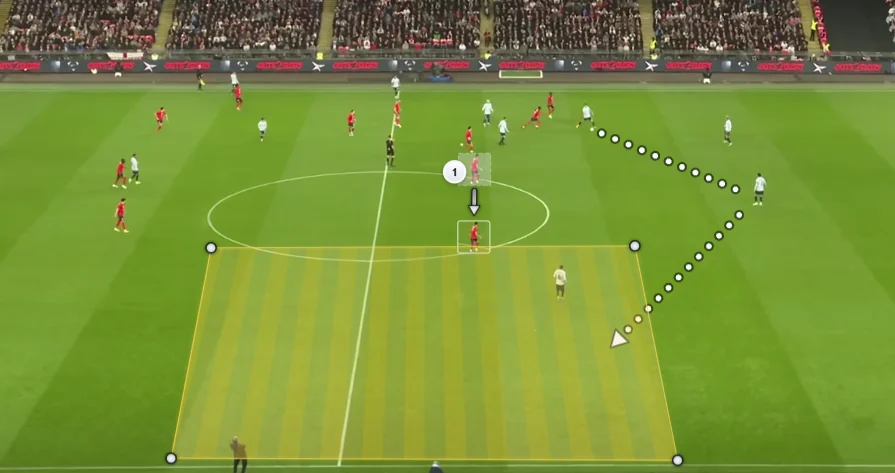
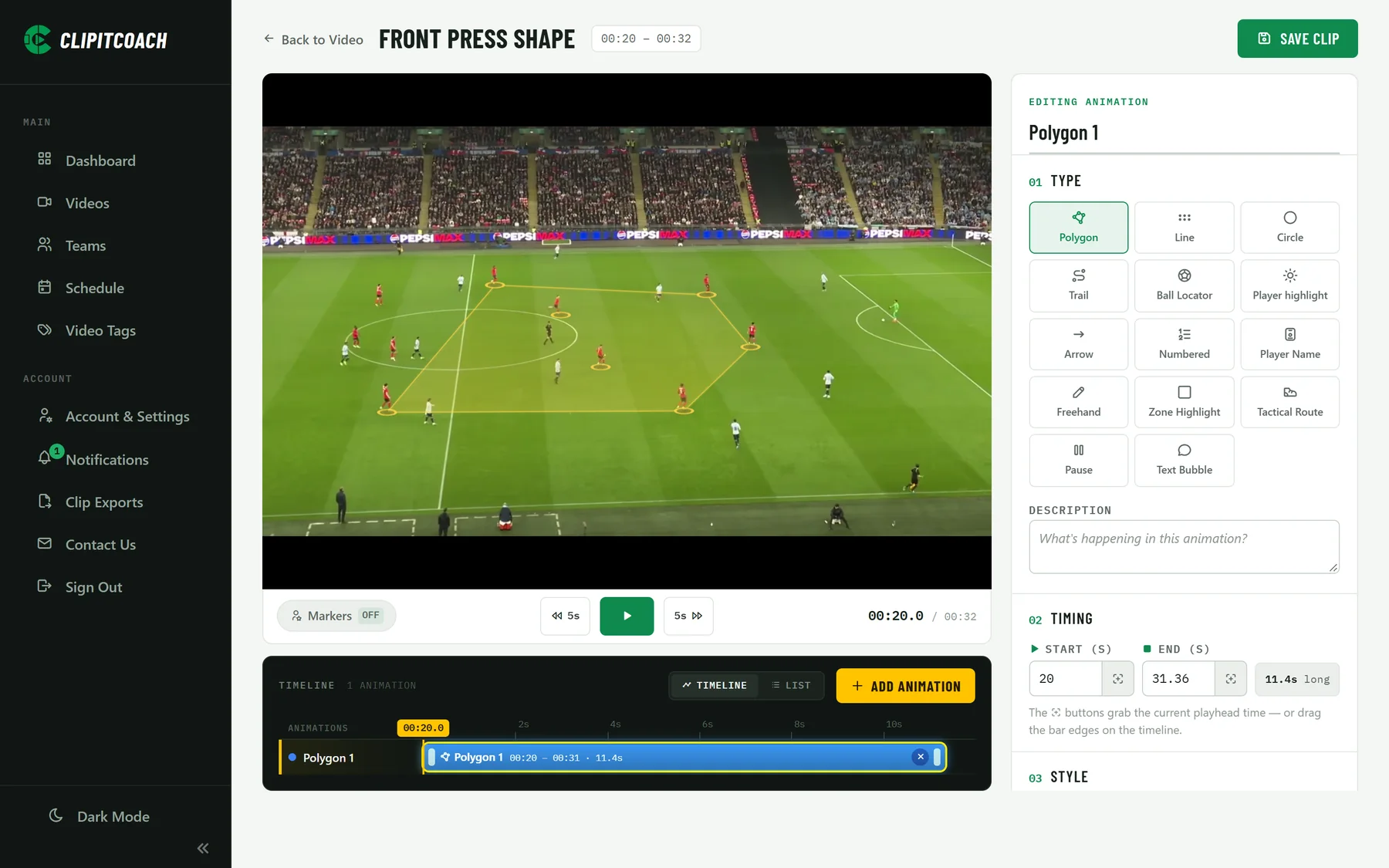
Draw arrows, circles, and runs directly on top of any clip to make your coaching points crystal clear for the team.

Planned

AI-Assisted Clip Suggestions

Automatically surface key moments so coaches can spend less time scrubbing and more time sharing insights with the team.

Simple, Transparent Pricing

Start free. Upgrade when you're ready. No surprises.

Monthly Annual Save 20%

Free

Try it out

$0
  • 1 Team
  • Unlimited players
  • 1 Active video
  • YouTube videos only
  • Private & public videos
  • Unlimited clips
  • Share clips
  • Clip comments
  • Android & iOS apps (coming soon)
  • Multiple videos
  • Multiple teams
Get Started Free

Club / Association

For clubs with multiple teams

$180 / month
  • 20 Teams
  • Unlimited players
  • Unlimited team videos
  • YouTube link or uploaded
  • Private & public videos
  • Unlimited clips
  • Share clips
  • Clip comments
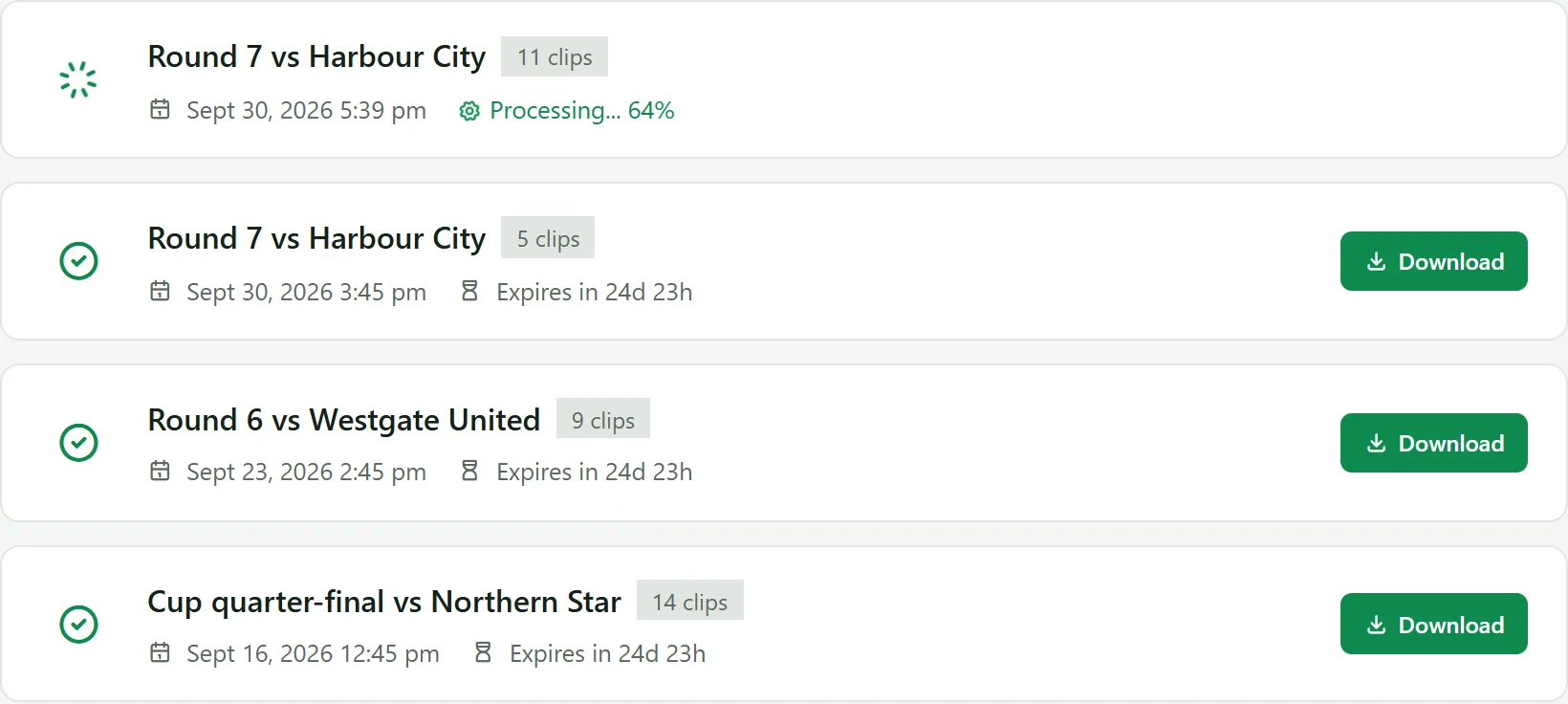
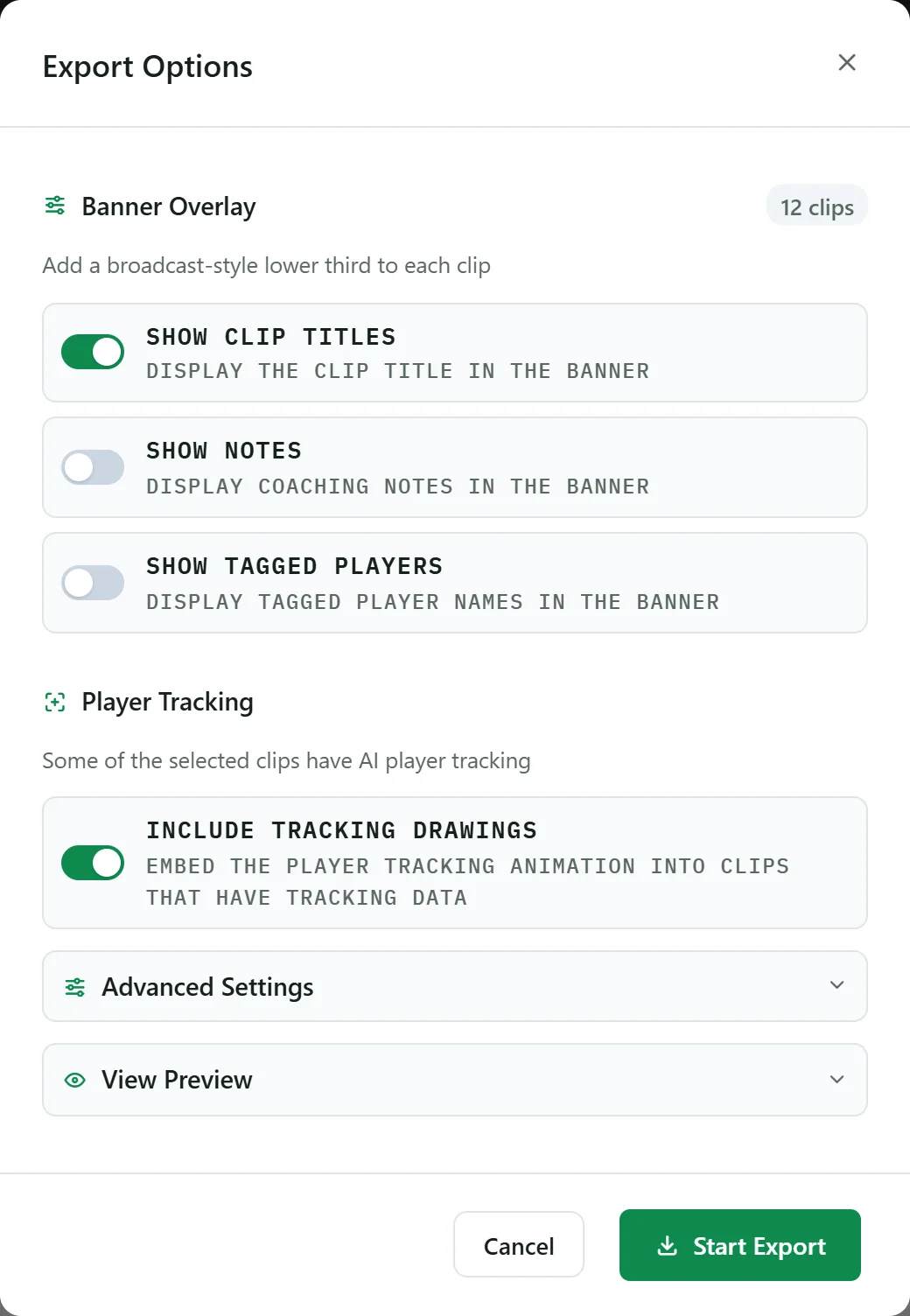
  • Clip exporting (coming soon)
  • Highlight exporting (coming soon)
  • Drawing & telestration (coming soon)
  • Android & iOS apps (coming soon)
Contact Us

All prices in USD. No card required for the Free plan.

Got Questions?

Is ClipItCoach really free to start?

Yes! The Free plan gives you 1 team, 1 active video, and unlimited clips. No credit card needed, just sign up and start clipping.

What sports does it work for?

Any sport with game footage - rugby, football, hockey, basketball, netball, cricket, you name it. If you can film it, you can clip it.

Can my players see the clips?

Absolutely. Invite your team with a simple link. Players can view clips, filter by category, and read your coaching notes.

Do I need to upload videos?

Not necessarily. You can paste a YouTube link and start clipping instantly. If you prefer, you can upload video files directly too.

What are keyboard shortcuts?

You can assign a key (like "O" for Offence) to a category. While watching, hold the key, when you release, a clip is created automatically. It's the fastest way to clip live.

Can I cancel anytime?

Yes. All paid plans are month-to-month (or annual with a discount). Cancel whenever you like, no lock-in contracts.

Is my data secure?

Yes. Your videos and clips are private to your team. We don't share or sell your data.

Ready to Keep Your Team Learning?

Join coaches who turn game footage into ongoing team conversations. Free to start, upgrade when you're ready.

Get Started Free No credit card required

Got a Question?

We'd love to hear from you. Drop us a message and we'll get back to you as soon as we can.